
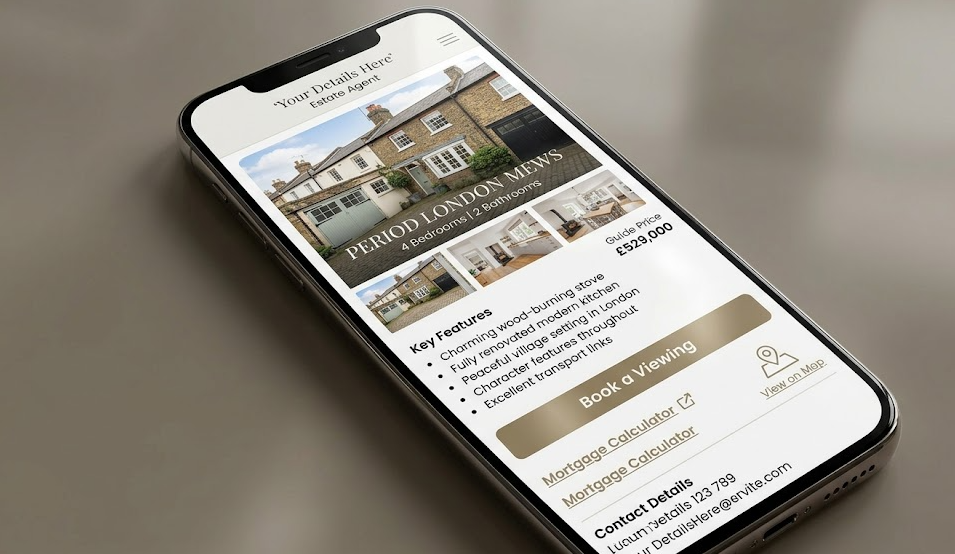
When your website loads slowly on a buyer’s phone, it’s like locking your office door during peak viewings—most people walk away within seconds. You need a modern estate agent website to build trust fast, prove local results, and turn browsing into enquiries. With mobile-first UX, strong listings, clear CTAs, and reviews that back your promises, you shorten the sales cycle and win better instructions. But the real difference shows up in one overlooked area…
Key Takeaways
- A great website builds trust fast with consistent branding, verified reviews, and real local sales proof.
- It improves user experience with clear navigation, mobile-first design, and fast load speeds that reduce drop-offs.
- Strong property search and listing pages keep buyers engaged with filters, rich photos, virtual tours, and SEO-friendly structure.
- Conversion-focused CTAs, short forms, and valuation tools turn visitors into enquiries and booked appointments.
- Tracking, testing, and local SEO pages attract better leads, reveal what converts, and increase instructions in specific areas.
Checklist: What a Great Estate Agent Website Includes
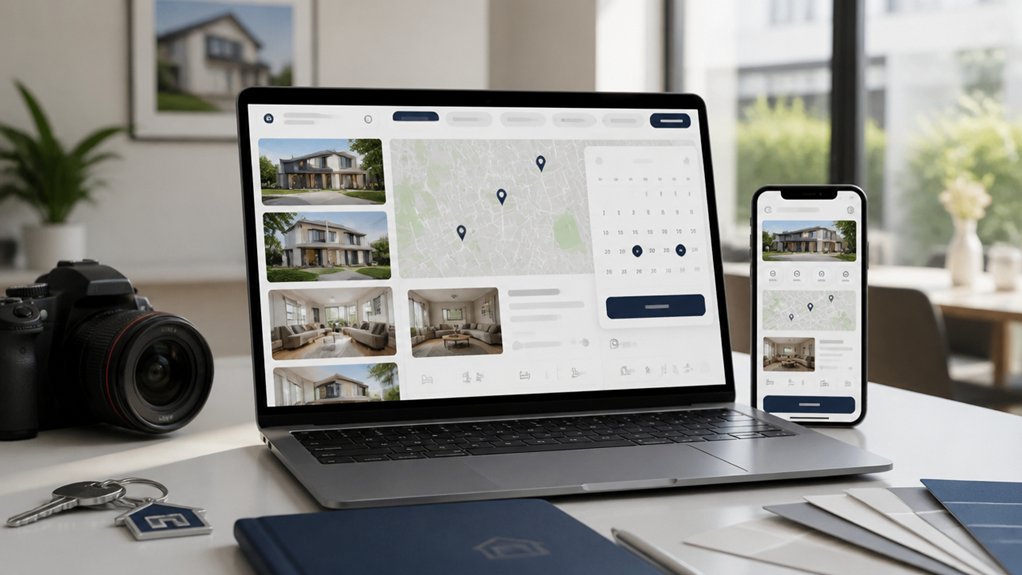
Whether you’re trying to win more instructions or cut down on time-wasters, a great estate agent website needs the right building blocks in place—because every page should guide visitors toward one clear next step: contacting you, booking a valuation, or viewing available properties.
Start with branding consistency: your logo, colours, tone, and imagery should match your boards and social profiles to build trust fast.
Add clear navigation to Sales, Lettings, Valuations, and Contact, plus prominent calls-to-action above the fold and throughout.
Use a strong content strategy: area pages, seller/landlord guides, FAQs, and market updates that target local search and answer objections.
Include fast-loading property listings with filters, high-quality photos, floorplans, EPCs, and key features.
Finally, add reviews, compliance info, and simple forms that convert.
Mobile-First Layout That Drives Enquiries
You’ll win more valuations and viewings when your site puts a responsive property search experience front and centre on every mobile device.
Add tap-to-call enquiry buttons so buyers and landlords can contact you instantly at the moment of intent.
Keep fast-loading mobile pages to cut bounce rates, improve SEO, and turn more visits into enquiries.
Responsive Property Search Experience
How often do buyers scroll listings on their phone while commuting, on the sofa, or outside a viewing? If your property search isn’t fully responsive, you’re losing intent-heavy leads fast.
A mobile-first layout keeps filters, map view, and saved searches thumb-friendly, so buyers can refine results in seconds and stay engaged longer.
Make every listing load quickly, show crisp photos, and surface key details above the fold: price, tenure, EPC, and availability.
Add a smooth virtual tour that works on any screen, and include neighborhood insights like schools, transport links, and local amenities to boost trust and SEO relevance.
When users can compare homes easily, share listings instantly, and return to recent searches, you create a frictionless journey that increases enquiries and booked viewings.
Tap-To-Call Enquiry Buttons
When a buyer’s ready to book a viewing, a tap-to-call enquiry button turns mobile intent into an instant conversation. Place it above the fold on listings, valuation pages, and contact screens so prospects never hunt for your number. Use clear labels like “Call to Book a Viewing” and show your local area code to build trust and boost calls.
Apply click to call strategies that reduce friction: one tap, no forms, no extra steps. Pair the button with opening hours, call tracking, and a backup “Request a Callback” link for after-hours leads.
Strong enquiry button design means high-contrast colour, thumb-friendly size, and consistent placement across pages. Test wording, colour, and position to lift enquiry rate and win more instructions from mobile traffic quickly.
Fast-Loading Mobile Pages
Because most buyers browse property portals and agency sites on their phones, fast-loading mobile pages directly increase your enquiry rate. If your listings lag, you lose leads to faster competitors and Google notices the bounce.
Build a mobile-first layout with clear hierarchy, thumb-friendly navigation, and compressed images so key details load instantly.
Prioritise Page optimization: minimise scripts, lazy-load galleries, and use caching to keep Core Web Vitals strong.
Speed improves User engagement by keeping buyers scrolling through photos, maps, and availability instead of quitting.
When pages load fast, your tap-to-call buttons, viewing forms, and valuation CTAs stay visible and friction-free.
You’ll capture more enquiries from motivated buyers and sellers, while reinforcing trust in your brand.
Fast pages, more leads.
Faster Pages, Fewer Drop-Offs (UX Basics)
If your estate agency website loads fast, you keep buyers and sellers on the page long enough to book a viewing or request a valuation.
Build with speed-first page design—compressed images, clean code, and smart caching—so every listing and CTA appears instantly.
Pair that with a streamlined navigation flow, and you’ll reduce drop-offs while guiding visitors straight to your highest-converting actions.
Speed-First Page Design
Although your listings and branding matter, your estate agency website’s load speed often decides whether a buyer stays or bounces. Speed-first page design cuts friction, boosts user engagement, and supports website accessibility for mobile users, seniors, and anyone on slower connections.
Compress images, serve next-gen formats, and lazy-load galleries so hero shots appear instantly without stalling the rest of the page. Minify CSS and JavaScript, remove unused plugins, and defer nonessential scripts to keep interaction snappy.
Use caching, a CDN, and fast hosting to reduce time-to-first-byte in every neighbourhood you target. Track Core Web Vitals, fix layout shifts, and prioritise above-the-fold content so inquiries rise and bounce rates fall across key landing pages.
Streamlined Navigation Flow
When your estate agency website navigation feels effortless, buyers find the right listings faster and you capture more enquiries. Keep your main menu simple: Buy, Rent, Sell, About, Contact. Add a prominent search bar and smart filters for price, location, and bedrooms so visitors can act instantly.
Guide the user journey with clear pathways: featured areas, new listings, and “book a viewing” buttons on every property page. Use internal links to related homes and local guides to boost SEO and keep people moving.
Reduce drop-offs by limiting clicks to key actions, adding sticky CTAs, and showing progress on forms. A consistent layout, breadcrumbs, and fast-loading category pages improve user experience and turn browsers into qualified leads quickly.
Listings That Sell: Photos, Search, and Filters
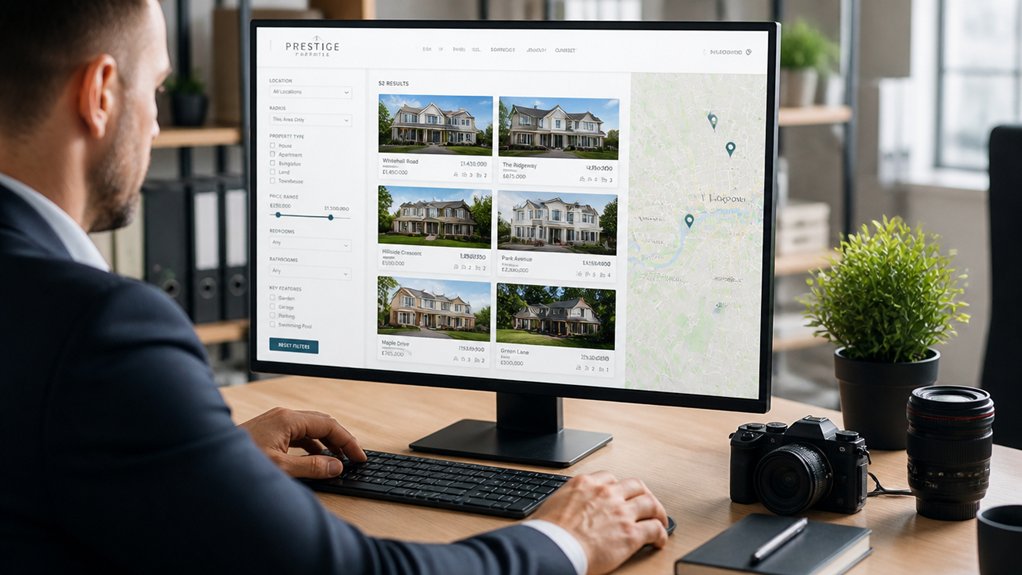
Because buyers judge a property in seconds, your listings page has to do more than display homes—it has to sell them. Lead with crisp, high-resolution Property photography that highlights light, space, and key features, so shoppers stop scrolling and start exploring.
Add consistent image order, fast loading, and mobile-first galleries to keep attention and boost time on site—signals that support SEO.
Make discovery effortless with smart search filters for price, bedrooms, postcode, school catchment, and must-haves like parking or garden. Show results instantly, keep filters sticky, and let users sort by newest, reduced, or distance.
Use clean URLs, indexable category pages, and rich snippet-ready data to help Google surface your stock. When buyers find the right home faster, you win more viewings and instructions.
Lead Capture That Works (Forms, CTAs, Valuation)
Great listings and slick search get buyers excited; lead capture turns that attention into enquiries you can act on. Place clear CTAs on every key page: “Book a viewing,” “Request details,” and “Get instant alerts.” Keep forms short, mobile-first, and specific—name, email, phone, and preferred area—so you don’t lose prospects to friction.
Add a valuation tool as your primary lead magnet: “Get your home value in 60 seconds.” Gate the full report behind contact details, then trigger an automated follow-up that offers a call slot.
Use smart conversion tactics like sticky buttons, exit-intent prompts, and thank-you pages that push next steps (schedule, download, or subscribe). Track form completions and CTA clicks, then A/B test copy and placement weekly.
Build Trust Fast With Reviews and Proof

Although your listings may look flawless, sellers and buyers won’t enquire until they trust you. So your estate agent website must prove credibility fast with reviews and real-world results.
Place customer testimonials above the fold, beside key service pages, and next to your valuation CTA so reassurance appears at the moment of decision. Use full names, locations, and property types (with permission) to make feedback believable and skimmable.
Add star ratings, review snippets, and links to verified platforms to strengthen your online reputation and reduce doubt.
Show proof beyond words: recent sold prices, days-on-market averages, and “before/after” marketing examples.
Include lender, solicitor, and landlord endorsements where relevant.
With clear proof, you shorten decision cycles and turn browsers into booked valuations quickly.
Local SEO Content That Wins Instructions
When you want more valuation requests from your patch, your website needs local SEO content that matches exactly what sellers search for.
Build pages for each town, village, and postcode you serve. Then answer seller-intent queries like “estate agent in [area]”, “sell my house [area]”, and “how much is my home worth in [area]”.
Use keyword optimization in your headings, image alt text, FAQs, and internal links. But keep the copy natural and benefit-led.
Add hyperlocal proof: recent sold prices, street-by-street insights, school catchments, and market updates that show you know the micro-market.
Strengthen local visibility with clear NAP details, an embedded map, and prominent calls to action on every local page.
Make booking a valuation one click, always.
Track Calls, Leads, and Instructions (What to Measure)
Local SEO pages can put you in front of sellers, but you only grow instructions if you track what happens next. Set up call tracking to attribute phone enquiries to specific pages, locations, and campaigns, then listen for quality signals: valuation intent, timeframe, and postcode.
Measure form submissions, live chat starts, WhatsApp clicks, and brochure downloads as leads, but don’t stop there. Use lead analysis to tag source, response time, and outcome: booked valuation, attended valuation, instructed, lost, or nurture. Track cost per lead, cost per instruction, and instruction rate by area page to see what really converts.
Build dashboards that show weekly trends, not vanity traffic. When you know which content drives instructions, you’ll improve copy, CTAs, and follow-up to win more listings.
Conclusion
Your estate agent website isn’t a brochure; it’s your best negotiator. One client told you, “I found you at 11pm on my phone,” and booked a valuation before breakfast—proof that a mobile-first, fast site converts while you sleep. Add sharp listings, strong CTAs, review proof, and local SEO content, and you’ll earn trust in seconds. Track calls, leads, and instructions, then refine what works to win more instructions consistently.
About the Author




2 thoughts on “Why Estate Agents Need Great A Website”
Comments are closed.