Your online presence is a freshly cleaned window—if it’s streaky, prospects can’t see the value behind it. You win more local leads when your NAP is consistent, your Google Business Profile is optimized for map rankings, and your site converts with fast pages, clear service areas, and schema markup. You also need steady review velocity, proof-driven social posts, and trackable ads that tie clicks to calls and bookings—because one weak link quietly costs you…
Key Takeaways
- Keep NAP details identical across your website, Google Business Profile, and directories to strengthen local SEO trust signals.
- Build city-specific service pages with fast mobile performance, clear CTAs, FAQs, and LocalBusiness/Service schema to improve rankings and conversions.
- Fully optimize Google Business Profile with accurate services, photos, weekly posts, and messaging/booking links to capture “near me” searches.
- Automate review requests after jobs using one-tap links or QR codes, and respond within 24 hours using consistent positive and negative scripts.
- Track every lead with UTMs and call tracking, connect GA4 to your CRM, and reinvest budget into channels producing booked cleanings.
Start With a Local Online Presence Checklist
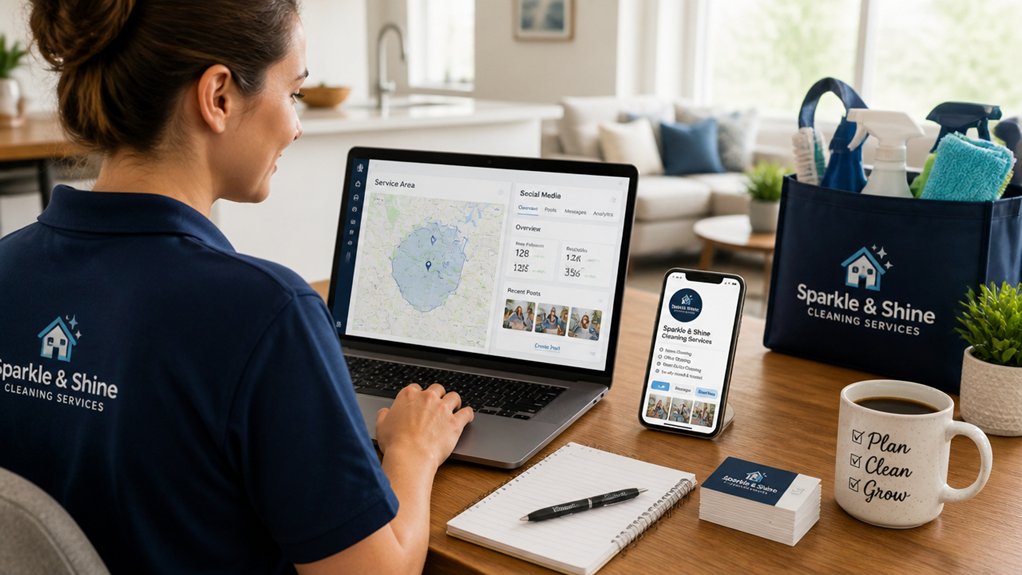
Before you spend on ads or social posts, lock in the local online fundamentals that drive the majority of “near me” cleaning leads—Google reports that 76% of people who search for something nearby on their phone visit a business within a day.
Audit your NAP (name, address, phone) for exact consistency across your website, directories, and invoices.
Create one service page per intent (move-out cleaning, deep cleaning, office cleaning) with city modifiers, FAQs, and clear internal links.
Add schema markup (LocalBusiness, Service) to improve eligibility for rich results.
Speed matters: hit Core Web Vitals and mobile-first layouts to reduce bounce.
Track calls and forms with UTM-tagged links.
Convert repeat clients with Customer loyalty offers and referral programs that trigger reviews and word-of-mouth.
Optimize Your Google Business Profile to Rank on Maps
Why do some cleaning companies dominate the local 3‑pack while others stay invisible? Your Google Business Profile is your strongest Google Maps ranking asset, so treat it like a landing page. Complete every field: primary category (e.g., House Cleaning Service), secondary services, service areas, hours, and attributes.
Match your business name, address, and phone to your website and directories to reduce trust gaps that hurt Local rankings. Add service-based keywords in your description and service list, but keep it readable.
Upload sharp before/after photos and short videos to raise engagement signals. Turn on messaging and add a booking link so searchers convert fast.
Post weekly updates and offers to keep freshness high and clicks climbing. Track calls, direction requests, and website taps.
Get More Cleaning Reviews (and Reply the Right Way)
Reviews can directly lift your local pack visibility and click-through rate, so you can’t leave them to chance.
You’ll get more 5-star feedback when you ask at peak moments—right after a spotless walkthrough or a “before/after” text—then make posting effortless with a one-tap review link.
You’ll also protect conversions by replying fast with professional scripts that reinforce trust, keywords, and next-step booking.
Ask At Peak Moments
When do customers feel most motivated to leave a 5-star review for your cleaning business? Right after you deliver a visible “before-and-after” win. Align Service timing with emotional highs: the final walkthrough, fresh scent, spotless mirrors, and a tidy entryway. That’s when gratitude peaks, recall is sharp, and Customer engagement feels natural—so your request converts.
Trigger your ask within minutes of completion, not days later. Train techs to confirm satisfaction first (“Anything you’d like adjusted?”), then ask for a review while the result is in front of them.
For recurring clients, ask after milestone cleans (first visit, deep clean, move-out) because perceived value is highest. Keep replies fast and specific: thank them, mention the service, and reinforce trust signals local prospects search for.
Simplify Posting Process
Right after that post-clean “wow” moment, you’ll get more 5-star feedback if clients can post in under 30 seconds. Use a single, trackable review link that opens directly to your Google review box, not your profile.
Add a QR code on your invoice, fridge magnet, and thank-you card to cut taps. Put the same link in your SMS follow-up and email signature to boost completion rates and local SEO signals.
Standardize your review request with Content automation: pre-built templates, scheduled sends, and UTM tags so you can measure clicks-to-reviews by job type and neighborhood.
Keep visual branding consistent—logo, colors, and a before/after photo thumbnail—so clients instantly recognize you and trust the request. Fewer steps means more reviews.
Respond With Professional Scripts
Because Google rewards active engagement, you’ll win more local cleaning leads when you respond to every review—fast, consistent, and on-brand.
Build three reply scripts: 5‑star praise, 3‑star fix, and 1‑star recovery. Keep each under 60 words, include your city/service (“house cleaning in Austin”), and end with a clear next step (“Call for a re-clean”).
This boosts keyword relevance, click-throughs, and customer retention.
For positives: thank them, name the service, invite referrals.
For neutrals: acknowledge, ask one clarifying question, offer a remedy.
For negatives: apologize, move to private contact, then document resolution publicly.
Store scripts in your CRM, and use employee training to guarantee every tech and manager matches tone, timing, and policies.
Aim for replies within 24 hours.
Build a Local Cleaning Website That Wins Bookings
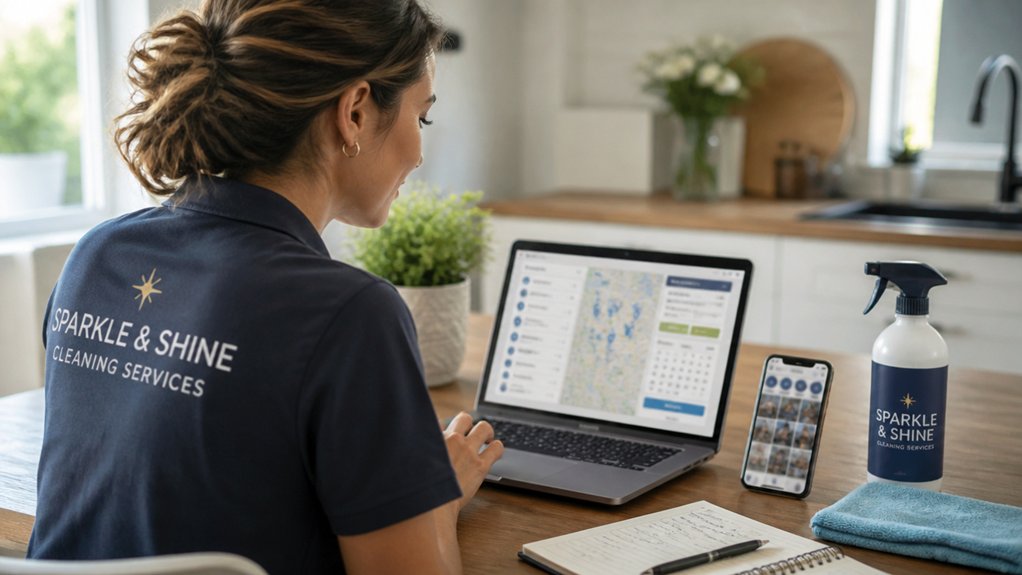
You’ll win more bookings when your website uses booking-focused service pages that target “house cleaning + your city” keywords and push a clear “Book Now” CTA above the fold.
You’ll also convert more local traffic when you add trust-building signals like consistent NAP details, real before-and-after photos, review snippets, and service-area pages tied to your Google Business Profile.
Next, you’ll align page structure, copy, and local proof so visitors don’t just browse—they schedule.
Booking-Focused Service Pages
When prospects land on a service page, they decide in seconds whether to book or bounce. Each page needs to target one intent-heavy local keyword (for example, “move-out cleaning in [City]”) and drive them straight to a single primary call-to-action.
Build one page per service area and service type to match query intent and boost rankings.
Use service page design that puts your headline, benefits, and pricing cues above the fold. Then answer top questions with scannable sections and internal links to related services.
Add unique copy, not templated swaps, to avoid thin-content issues.
Prioritize booking form optimization: reduce fields, enable autofill, show time windows, and keep the button sticky on mobile.
Track scroll depth, clicks, and form abandonment. Then A/B test CTA text and layout weekly.
Trust-Building Local Signals
Service pages can earn the click, but local trust signals close the booking. Add your NAP (name, address, phone) in the footer and match it across Google Business Profile, citations, and schema to boost map visibility and reduce drop-offs. Show a real-service-area map, license and insurance badges, and team photos with first names to increase credibility.
Place review snippets by neighborhood and link to full profiles; aim for fresh reviews weekly because recency influences local ranking and conversions. Publish “As seen in” mentions, plus Community partnerships and local sponsorships (schools, shelters, youth sports) with logos and short impact metrics.
Create a local FAQ (“Do you serve [City]?”) and embed directions. Add trust-first CTAs: “Get a verified quote in 60 seconds.”
Create Service-Area Pages for Every City You Serve
Although your cleaning team can cover multiple zip codes, Google and potential customers still look for proof that you serve *their* city—so build a dedicated service-area page for every location you target.
Create service area pages that map to your highest-demand cities and neighborhoods, using unique city-specific content instead of duplicated text. Add an H1 like “House Cleaning in Mesa, AZ,” a short service list, and internal links to your booking and pricing pages.
Embed a Google Map, show your service radius, and include local FAQs (parking, building types, pet policies) to capture long-tail queries.
Mark up each page with LocalBusiness schema and consistent NAP details.
Track rankings and calls by city to double down where conversions lead.
Post Before-and-After Cleaning Proof on Social Media
Because prospects trust what they can see, you should post consistent before-and-after cleaning photos and short reels on Instagram, Facebook, and Google Business Profile to turn browsing into bookings.
Capture the same angle, lighting, and distance so the Cleaning transformation looks undeniable, not staged. Add location cues in captions (city, neighborhood, service type) to reinforce local SEO signals and match “near me” intent.
Include a 5–10 second process clip, then end on the reveal; videos typically earn higher reach and saves than static posts.
Use social proof fast: overlay a one-line client quote, star rating, or “Booked again” note, and tag the property type (Airbnb, office, move-out).
Finish with a single CTA: “DM for a quote” or “Call today.”
Run Google Local Services Ads and Local Search Ads
Two paid placements can put your cleaning business at the top of “house cleaning near me” searches fast: Google Local Services Ads (LSAs) and Local Search Ads.
LSAs show your Google Business Profile, reviews, and “Google Guaranteed” badge, which can lift click-through rates and trust for high-intent searches. Set service areas tightly, pick core jobs (recurring, deep clean, move-out), and cap weekly spend so you don’t buy low-quality leads.
Local Search Ads (Search + Maps) let you control keywords, ad copy, and landing pages. Build Ad Campaigns around “maid service,” “move-out cleaning,” and neighborhood terms.
Then use Customer Targeting via radius, schedule, and device bid adjustments. Add price hooks, fast-booking CTAs, and review extensions to win clicks.
Track Calls, Forms, and Bookings From Every Channel
Once you start running LSAs, Search, social, and local directory listings, you need airtight tracking to see which channels actually produce booked cleanings—not just clicks.
Set up call tracking numbers per campaign, and record calls to score quality, duration, and outcomes.
Use UTM parameters on every link, then push form fills into GA4 and your CRM so you can attribute revenue to source/medium.
Connect your booking software to track scheduled jobs, not just leads, and build a funnel: impression → click → call/form → estimate → booking.
Create one dashboard that shows cost per lead, lead conversion rate, cost per booked cleaning, and lifetime value by channel.
Pause low-quality sources fast and reinvest in winners weekly.
Conclusion
You’ve now got a complete local SEO system: consistent NAP, optimized Google Business Profile, fast review generation, and city-specific service pages that rank. Pair proof-driven social posts with Google Local Services Ads and local search ads to capture high-intent leads. Track every call, form, and booking so you can cut waste and scale what converts. Like a bright storefront on a busy street, your online presence pulls prospects in—and turns clicks into recurring clients.
About the Author