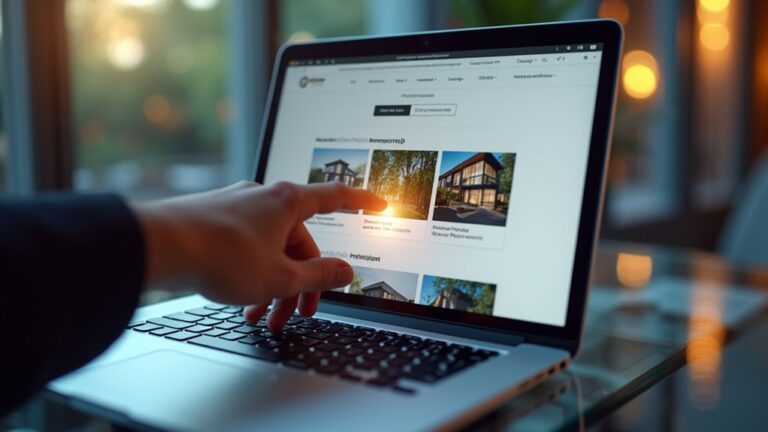
If you want more tours and better applicants, you can’t rely on yard signs alone. Social media helps property rentals, as this form of marketing lets you reach local renters fast, show your unit with photos, reels, and virtual tours, and turn DMs into booked showings. When you pick the right platforms and optimize your profile, you attract people who actually fit your criteria. The next step is choosing channels and content that convert…
Key Takeaways
- Define rental goals and an ideal tenant profile to tailor pricing, messaging, and qualification criteria for faster, higher-quality lease-ups.
- Choose social platforms that match renter demographics, then optimize profiles with clear availability, policies, trust signals, and a strong call-to-action.
- Post high-quality photos, short walkthrough reels, and FAQ videos to highlight amenities, reduce uncertainty, and increase tour bookings.
- Use local hashtags, groups, geo-targeted ads, and fast responses to reach nearby renters and convert inquiries into scheduled showings.
- Track leads with UTMs/pixels, test creatives, pause weak ads, and scale winners to lower cost per lead and improve results.
Define Your Rental Goal and Ideal Renter First

Before you post a single photo or run an ad, define your rental goal and the renter you want to attract. Decide whether you’re optimizing for fastest lease-up, premium rent, fewer turnovers, or long-term stability.
Then describe your ideal renter in concrete terms: budget range, move-in date, household size, pets, commute needs, and must-have amenities.
Use that profile to guide rental pricing so you don’t attract the wrong inquiries or leave money on the table. Align your listing benefits to what this renter searches for, and set clear qualification criteria upfront to reduce back-and-forth.
Build your process around consistent tenant screening, including income, credit, and rental history standards, so you protect your property and deliver a smoother application experience.
When your goal and renter match, every post converts better.
Choose the Best Social Media Channels for Rentals
Once you’ve defined your rental goal and ideal renter, choose social media channels that actually reach them and support that outcome.
If you’re targeting young professionals, prioritize Instagram Reels and TikTok for short tours and neighborhood vibes.
For families and long-term renters, use Facebook Groups and Marketplace where people actively ask for rentals.
For corporate tenants or high-end units, lean on LinkedIn and YouTube for credibility and deeper walkthroughs. Push visitors to your website
Validate choices with platform analytics: check local reach, saves, shares, click-throughs, and message volume, then double down on what drives inquiries.
Keep one primary channel and one supporting channel to stay consistent.
Add Influencer collaborations with local creators to expand trust fast, but track lead quality, not just views, so your marketing converts.
Set Up a Profile That Converts Rental Leads
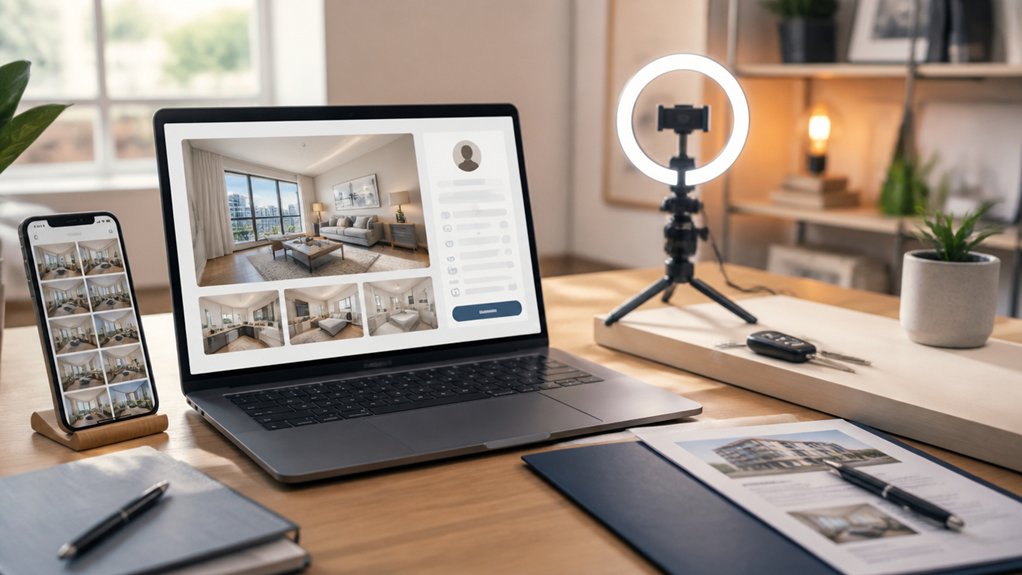
Although your posts grab attention, your profile is what turns curious scrollers into qualified rental leads—so set it up like a high-converting landing page. Use a clear headshot or logo, then add a bio that states your location, property type, and what renters get (fast responses, verified listings).
Pin a “Start Here” highlight with availability, rental pricing ranges, pet policy, and lease terms. Add a link-in-bio that routes to an inquiry form, calendar, and screening requirements. Write a keyword-rich name field (e.g., “Austin Apartments & Homes”) to boost search.
Show trust signals: reviews, fair housing compliance, and turnaround time. Mention Virtual staging services if you offer them to help renters visualize space. Finish with a direct CTA: “DM ‘TOUR’ for current vacancies.”
Create Photos, Reels, and Tours That Get Inquiries
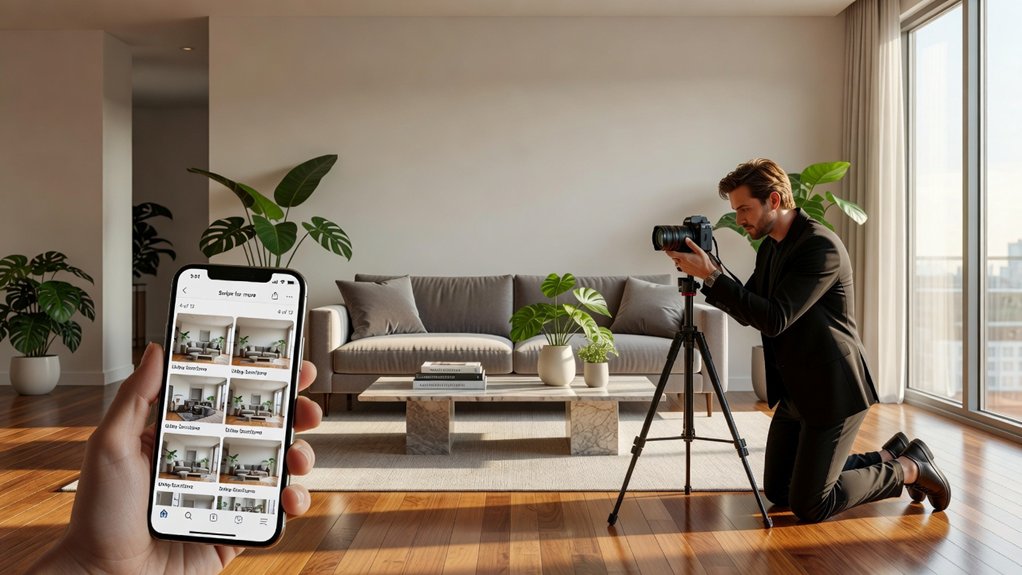
A high-converting profile gets renters to trust you; strong visuals get them to inquire. Shoot bright, level photos that show flow: entry, living, kitchen, bedrooms, baths, storage, parking, and any views.
Stage simply, or use Virtual staging to help prospects picture scale and furniture without misleading them—label it clearly.
Add a 15–30 second Reel that answers the top questions fast: rent, deposit, pets, laundry, parking, move-in date, and what’s included.
Record steady walkthrough tours, narrate room sizes, and highlight upgrades and natural light.
Use Drone photography for curb appeal, lot lines, amenities, and proximity context.
End every post with one clear CTA: “DM for availability and a showing.”
Target Local Renters With Hashtags, Groups, and Ads
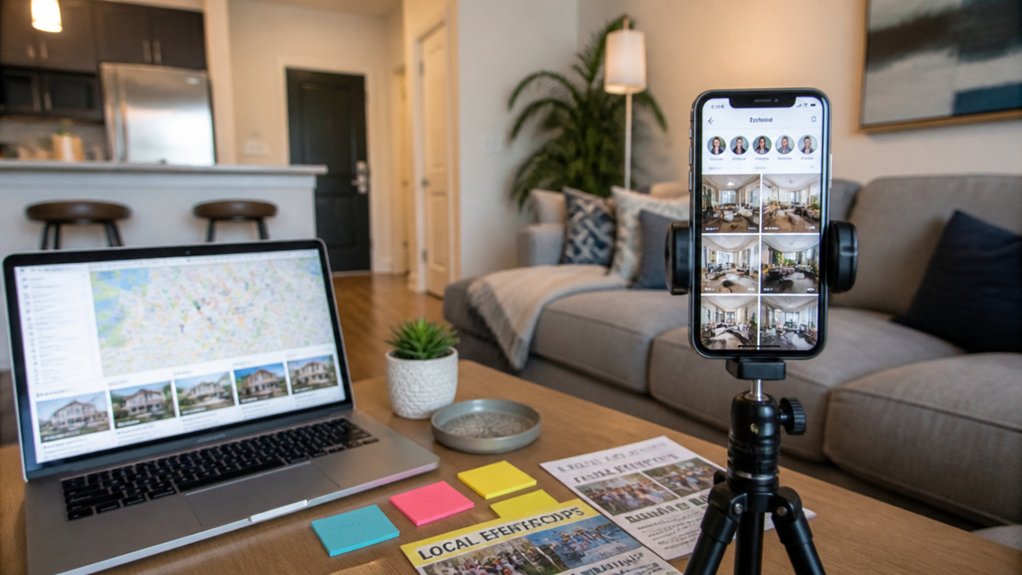
When you target local renters on social media, you don’t just get more views—you get qualified inquiries from people who can actually move in.
Start with Neighborhood hashtags that match how people search: #DowntownLofts, #EastSideApartments, #NearCampus, or #PetFriendlyRentals. Add city and landmark tags to show up in local discovery and map-based feeds.
Next, post consistently in Local community groups where renters ask for leads, like “Housing in [City]” or neighborhood Facebook groups. Follow group rules, lead with rent, location, and key amenities, and include a clear call to action to visit your listing link.
Finally, run geo-targeted ads within a tight radius, filter by interests, and retarget video viewers to keep your unit top-of-mind.
Turn Rental DMs Into Showings (With Screening Scripts)
Targeted hashtags, groups, and geo-ads will bring renters into your inbox, but fast, friendly DM follow-up turns those inquiries into scheduled showings. Reply within minutes, thank them, and confirm the unit, price, and move-in date.
Use messaging scripts that ask three quick questions: desired move-in, occupants/pets, and monthly income range. Then set expectations for Rental screening: “We verify ID, income, and run a background check—OK to proceed?”
If they qualify, offer two showing slots and a simple call-to-action: “Which works best, 5:30 or 6:15 tomorrow?” Share the address only after they confirm time, and send a calendar invite plus parking notes.
Keep every message short, helpful, and confident.
Track Inquiries-to-Showings and Optimize Your Posts
You can’t optimize your social media rentals strategy until you track your inquiry-to-showing funnel and see exactly where prospects drop off.
You’ll boost booked tours by adjusting post timing and audience targeting based on what drives the most qualified rental inquiries.
Then you can A/B test creative and copy to sharpen your message, lower cost per lead, and convert more DMs into showings.
Inquiry-To-Showing Funnel Tracking
Because likes don’t pay rent, you need inquiry-to-showing funnel tracking to see which social media posts actually turn DMs, comments, and form fills into scheduled tours. Tag every post with a unique link or keyword, then log each inquiry source in your CRM or spreadsheet so you can compare real conversion rates, not vanity metrics.
Track three numbers weekly: inquiries, qualified leads, and showings booked. Add quick questions in your reply script—move-in date, income range, pets, and credit expectations—so you qualify fast in a tight rental market and keep your calendar filled.
Connect those answers to tenant screening outcomes, then refine your captions, photos, and calls-to-action based on what produces tours. When a post drives inquiries but not showings, adjust your offer, pricing clarity, or next-step link.
Post Timing And Targeting
Once you’re tracking inquiries-to-showings, use that data to sharpen post timing and audience targeting so your best listings reach renters when they’re ready to book a tour. Identify the hours and days that produce the highest showing rate, then schedule posts and Stories in those windows. Use Timing strategies like posting 30–60 minutes before lunch, right after work, and on weekend mornings when renters actively browse.
Next, apply audience segmentation to match each unit to the right renter: students near campuses, commuters near transit, families near schools, and pet owners for pet-friendly homes. Geofence around your neighborhood and layer in interests to reduce wasted spend.
Retarget engagers who clicked “Directions” or messaged you, and prioritize them with tour-focused CTAs.
Creative And Copy Testing
After you’ve nailed timing and targeting, creative and copy testing turns social media rental marketing into a repeatable system for boosting inquiries-to-showings.
Run A/B tests on your primary image, headline, and CTA (Schedule a Tour vs. Check Availability). Keep branding consistency with the same logo placement, colors, and tone, so prospects recognize your listings instantly.
Track each post’s path: impressions → clicks → inquiries → booked showings. Use UTM links, unique phone numbers, or platform lead forms to attribute results.
Then optimize fast: pause low-performing variants, scale winners, and update captions with stronger benefits (pet-friendly, parking, move-in specials) and clearer next steps.
Pair insights with content scheduling so top creatives recur at peak times. You’ll lower cost per lead and increase booked tours consistently, week after week.
Conclusion
You’ve tested the theory: social media helps property rentals when you market with intent. When you define your ideal renter, choose the right platforms, and post scroll-stopping photos, reels, and virtual tours, you don’t just get likes—you get inquiries. Add local hashtags, groups, and smart ads, then turn DMs into scheduled showings with clear screening scripts. Track inquiries-to-tours, double down on what converts, and watch vacancies shrink faster than expected.
About the Author