
To market your small business better, build your site around one primary goal—calls, bookings, or quote forms—then track it and remove extra steps. Keep pages lean (Home, Services, About, Reviews, Contact) with clear 5–7 item navigation and strong visual hierarchy. Write benefit-driven copy and specific CTAs like “Get a free estimate,” backed by testimonials and FAQs near decision points. Go mobile-first, optimize speed, and tighten SEO with keyword titles, service/location pages, and schema. Keep going to see how each step works.
Key Takeaways
- Set one primary website goal (calls, bookings, or quote forms) and track it with call, booking, and form conversion metrics.
- Simplify navigation to 5–7 clear items and focus on core pages: Home, Services, About, Reviews, Contact, and locations.
- Use strong visual hierarchy with one main section per screen, readable fonts, consistent spacing, and high-contrast colors.
- Write benefit-driven headlines and specific CTAs like “Get a free estimate,” supported by testimonials, guarantees, and FAQ microcopy near decision points.
- Optimize for mobile speed by compressing images, limiting scripts, enabling caching, and aligning titles, H1s, and service pages to search keywords.
Choose 1–2 Small Business Website Goals (Calls, Bookings, Quotes)
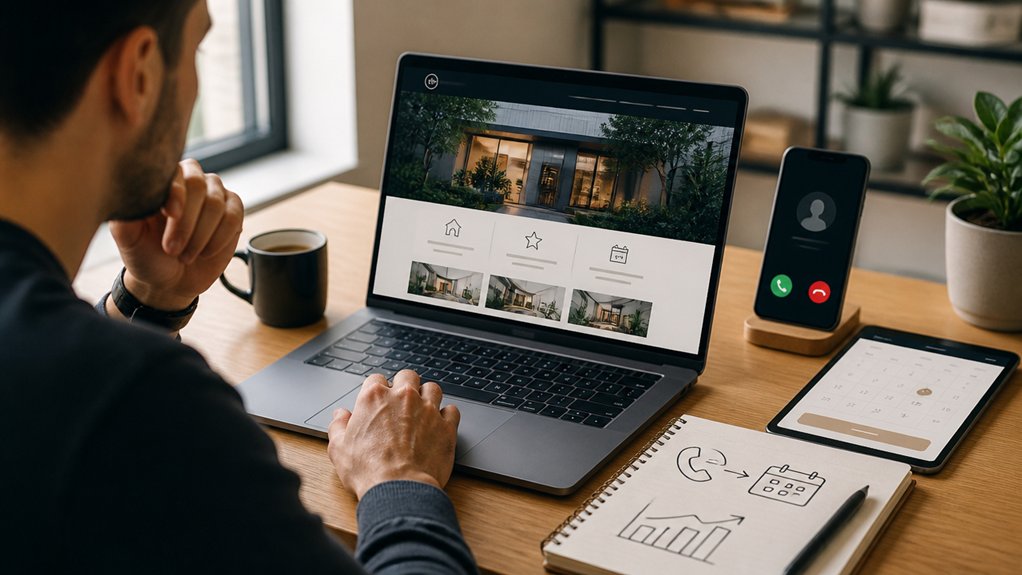
Before you start picking layouts or colors, decide what you want your website to do first: drive calls, capture booking requests, or collect quote forms. Pick one primary goal and one secondary goal so every message, button, and offer points to the same action.
If you need faster leads, prioritize calls. If you sell time-based services, prioritize bookings. If you quote custom work, prioritize forms that pre-qualify prospects.
Track each goal with call tracking, booking confirmations, and form completions so you can improve what matters.
Keep customer engagement high by removing extra steps and answering key objections early.
Protect branding consistency by using the same promise, tone, and value proposition across every touchpoint, online and offline. This focus reduces confusion and boosts conversions.
Small Business Website Design Basics: Pages, Nav, and Layout That Convert
Although your colors and photos matter, your pages, navigation, and layout do more to turn visitors into calls, bookings, or quote requests. Start with a lean page set: Home, Services, About, Reviews, and Contact, plus a location page if you serve a specific area.
Keep top navigation to five to seven items, label it plainly, and pin key actions in the header on mobile. Use a clear visual hierarchy: one primary section per screen, short blocks, and consistent spacing.
Place trust elements near decision points: testimonials, badges, FAQs, and service-area info. Make forms short and tap-friendly.
Apply consistent Color schemes for emphasis and scannability, and choose readable font choices with strong contrast and generous line height.
Write Benefit-Driven Copy and CTAs That Get Leads
Why do some small business sites get calls while others just get clicks? It’s usually the copy. You need to state the outcome you deliver, not just what you sell. Lead with a clear promise, back it up with specifics, and remove vague jargon.
Use Customer testimonials near key decision points to prove you’re credible and reduce risk.
Then tighten your CTAs. Tell visitors exactly what happens next: “Get a free estimate,” “Book a 15-minute consult,” or “Request pricing.” Put one primary CTA per page section, and keep it consistent with your branding consistency in tone, colors, and terminology.
Add microcopy that answers objections: turnaround time, availability, guarantees, and what you’ll ask for. When your benefits and CTAs align, you’ll earn leads.
Make Your Small Business Website Fast and Mobile-First
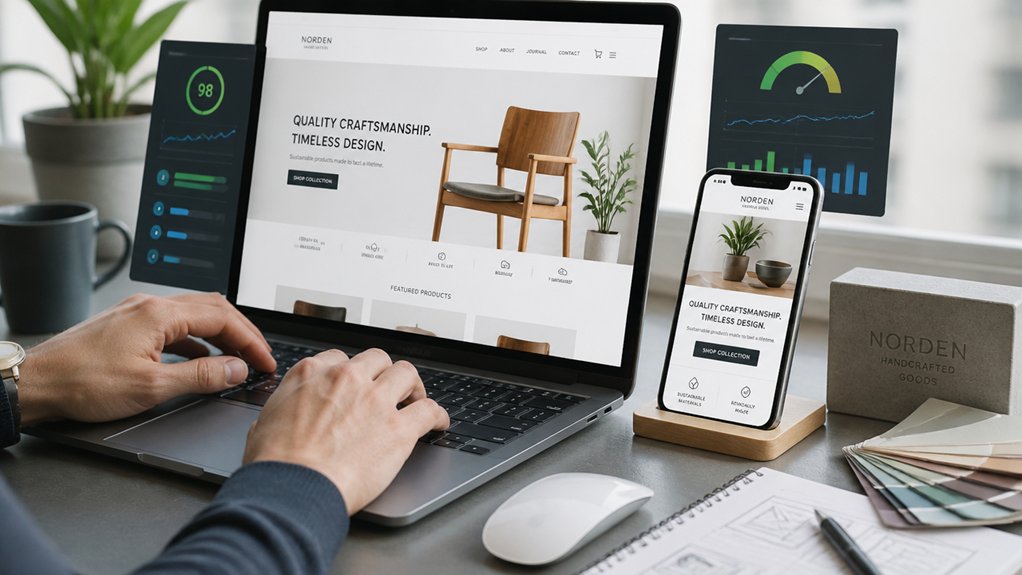
Strong copy and clear CTAs get people ready to act, but a slow or clunky site—especially on a phone—stops them cold. Design mobile-first so key info, forms, and buttons stay front and center on small screens. Use responsive design to adapt layouts, images, and navigation without pinching or zooming.
Boost loading speed by compressing images, serving modern formats, and limiting heavy scripts and third-party widgets. Minify CSS and JavaScript, enable caching, and use a lightweight theme or framework. Keep your pages lean: fewer sliders, fewer pop-ups, fewer unnecessary fonts.
Test on real devices over cellular, not just on desktop Wi‑Fi. When your site feels instant and effortless, you’ll lower bounce rates, increase form completions, and make every marketing click count.
Get Found on Google: Small Business Website SEO Basics
Once your site runs fast on mobile, you need to make sure people can actually find it in search. Start with keyword-focused page titles, meta descriptions, and H1s that match what customers type. Write clear service pages for each core offering and location you serve.
Add schema markup, a readable URL structure, and internal links so Google understands your site.
Claim and optimize your Google Business Profile, then keep your name, address, and phone consistent across directories to strengthen local branding.
Publish helpful FAQs, how-to posts, and case studies as part of content marketing, and link them to related services. Earn reviews and local backlinks from partners and chambers.
Track rankings, clicks, and calls in Search Console and Analytics, then refine monthly.
Conclusion
If you want more leads, treat your site like a marketing tool, not an online brochure. Adobe reports 38% of people will stop engaging with a website if the layout is unattractive, so design and clarity aren’t optional. Pick 1–2 goals, keep navigation simple, and write benefit-driven copy with strong CTAs. Make it fast and mobile-first, then nail basic SEO so you show up on Google. Keep testing and refining.
About the Author